# AI clipping
One long video, many clips ready to download
Upload a podcast, webinar, or saved stream. AI pulls the best moments and builds captioned cuts — all in your dashboard.
No stream needed. Free trial on eligible plans.








- No live stream needed
- Common video formats
- Portrait and landscape
- AI captions
- Brand templates
- Clip gallery
How it works
3 steps: upload, cut, download
Send one long file. AI finds the cuts; you pick what to download.
01
Upload your video
Podcasts, webinars, or recordings from your computer. Processing starts as soon as the file arrives.
02
AI finds the cuts
We pick the best moments and make vertical and horizontal versions.
03
Review and download
See all your clips in the gallery, apply templates, and make edits.
What you get
Turn long videos into social clips
Less time in the timeline. More cuts ready to download — with AI, a clip gallery, and your brand templates.
AI finds the best moments
AI scans your video and suggests cuts that are worth sharing on social.
Clip gallery
Review, edit, and see the cuts in one place.
Templates
Build visual layouts for your brand and reuse them on new clips in a few clicks.
Portrait and landscape
AI finds the vertical and horizontal cuts, and you download them right away.
Questions about clipping a video you already have
- Is this a prompt-to-video tool?
- No. You upload a recording you already have. AI finds the best moments in that file and puts the cuts in your gallery.
- What kind of video do I send?
- A long file of yours — a podcast, a webinar, or a saved recording. Everyday formats that already play on your computer.
- What do I get back?
- Short cuts from that same video, with captions, in your gallery. Usually a few minutes after upload.
- Do clips include captions?
- Exports can include readable subtitles so posts work with sound off.
- Do I need a card to try it?
- You can start without a credit card on eligible plans. Check clips plans for current limits.
- Where do I manage clips?
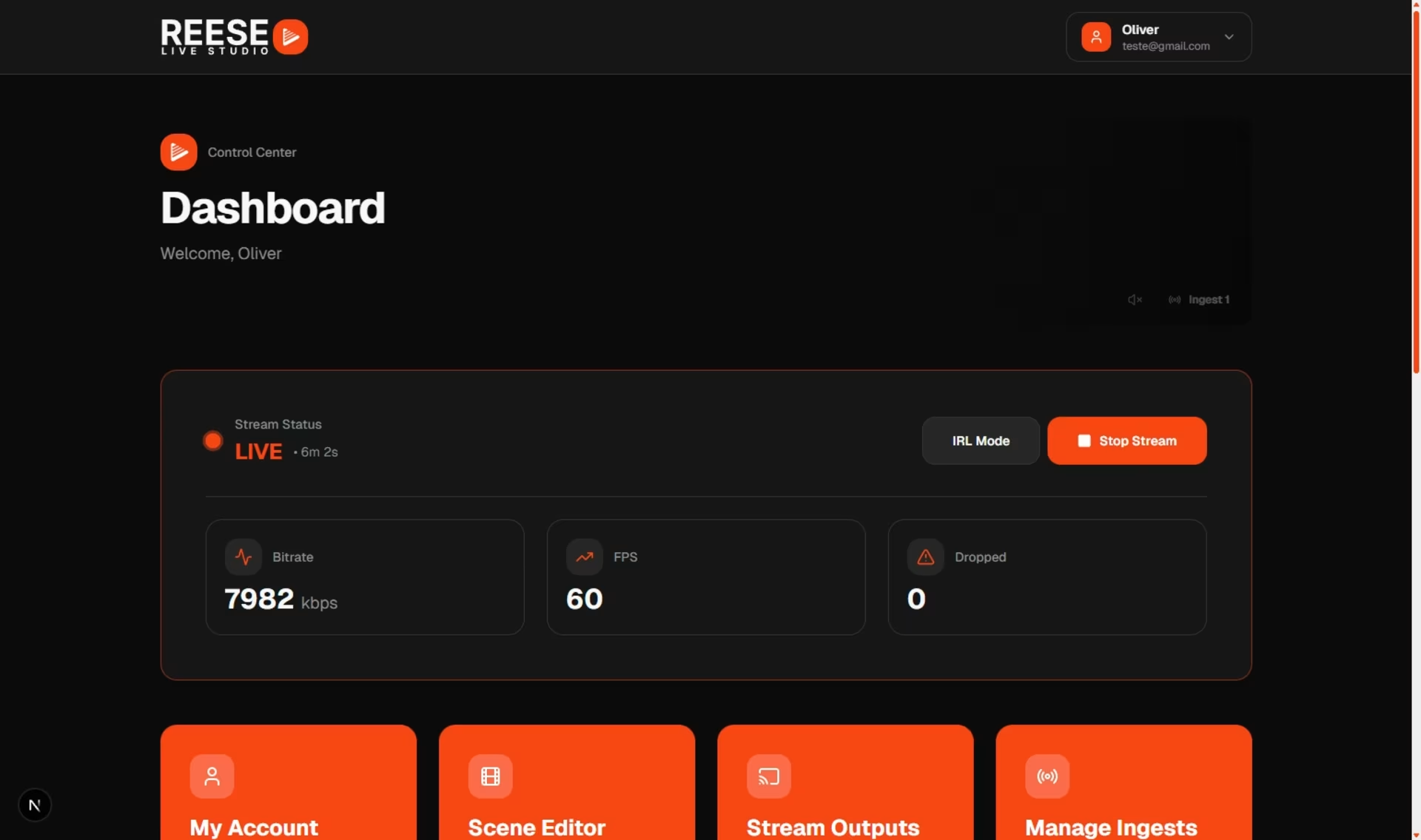
- Upload, review suggestions, and download exports from your REESE dashboard.
# Ready to fill your feed?
You upload the video. AI delivers the clips.
Start free, upload a file, and watch the best moments become clips in minutes.
Best moments · Portrait & landscape · AI captions