# AI finds the cuts for you
Let AI find the best cuts in your stream
You start the stream and AI handles the rest: it finds the best moments, builds social-ready cuts, and delivers everything in your dashboard.
Needs a live stream. Free trial on eligible plans.
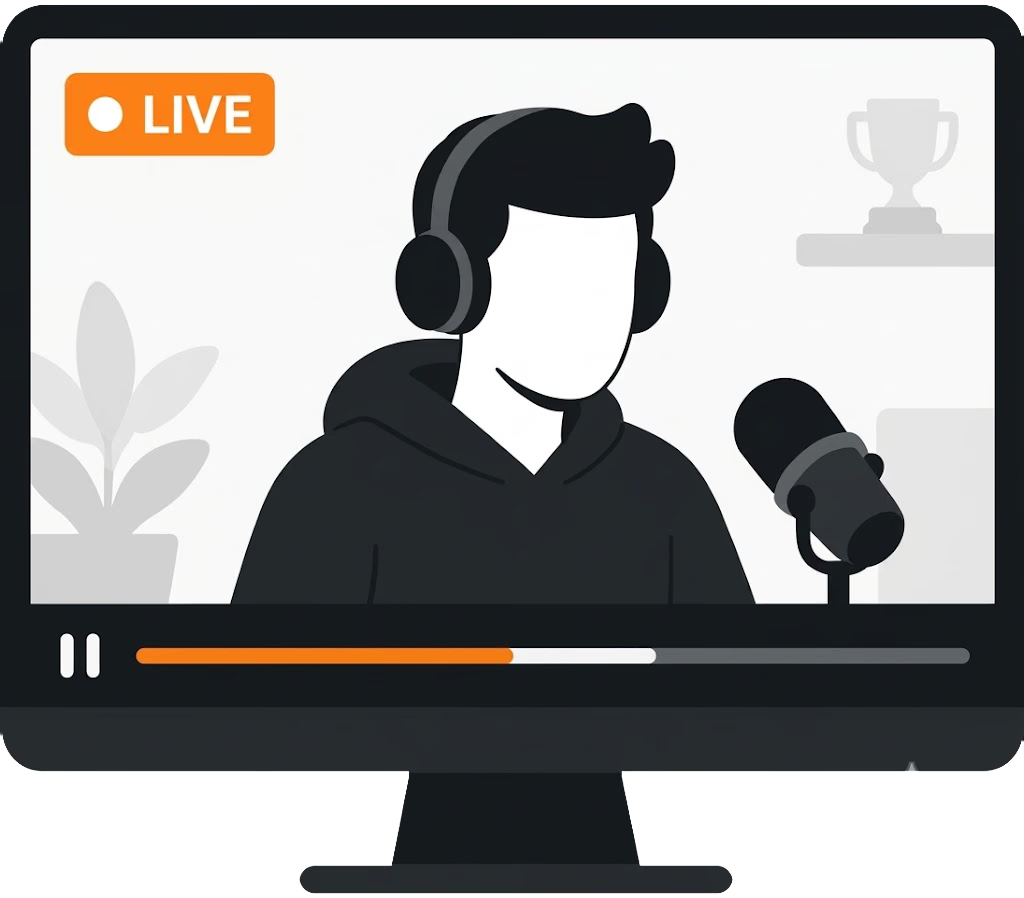
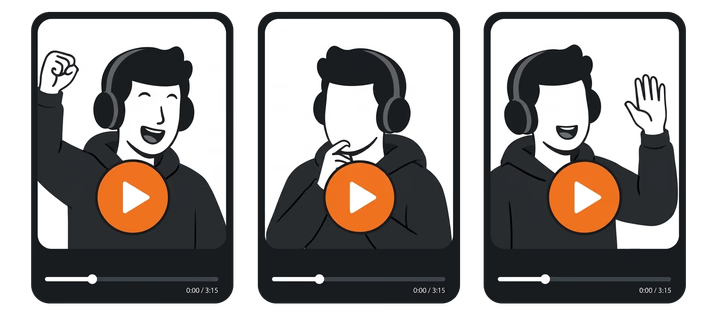
Live stream running
AI watches your broadcast in real time
Clips ready
10x faster
AI automation
Less manual editing, more consistency
Turn every stream into short-form content without spending hours reviewing recordings.
Cuts start when the stream starts
AI starts analyzing as soon as your stream begins. No manual process.
Much faster production
Swap hours of editing for minutes of review and download more cuts in the same time.
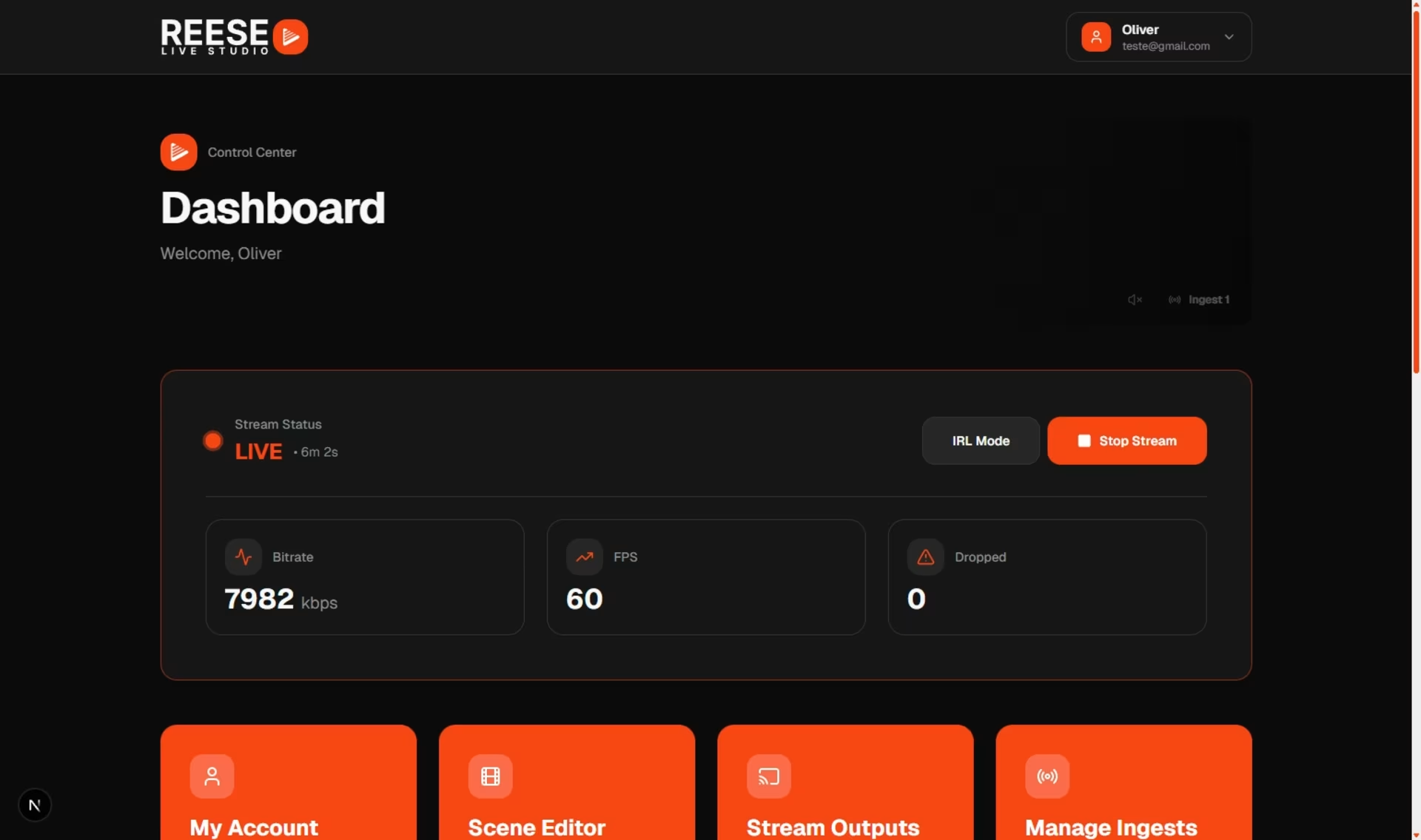
Everything centralized in the dashboard
Review, edit, and see the cuts in one place.
Automatic captions
Create versions with or without captions and choose the best language for your audience.
Questions about clipping your live
- Is this a prompt-to-video tool?
- No. AI watches your live and cuts the best moments from that stream.
- Do I upload a file or type a prompt?
- Neither. Start the stream.
- When do the clips show up?
- While you're still live. They're cuts from that same stream, ready to download.
- Is this the same as upload clipping?
- Upload clipping is for long files you add yourself. Automatic clips run on your live when your plan includes it.
- Can I pick which clips to keep?
- Yes. Review suggestions and download only the cuts you want to post.
- Which plan do I need?
- Automatic clips require an eligible streaming plan. Check plans for current limits and regions.
# Ready to let AI make your clips?
AI edits. You just download.
Turn on automatic clipping and turn your streams into a feed of social-ready cuts.
AI for best moments · Multi-format · Download right away