
# Multistream
Stream to every platform from one live
First, how most streamers multistream with OBS and plugins. Then, how REESE lets you add outputs in the dashboard, go live once, and stop Twitch or Kick without touching the rest.
- One upload
- Per-platform control
- Twitch, Kick, YouTube
- Free trial
The traditional way
Multistream with OBS and plugins
Most setups mean installing OBS locally, adding a multistream plugin, and wiring a separate RTMP key for each platform.
- 1
Install OBS on your PC
You need a capable machine running OBS Studio locally — scenes, encoding, and every platform output depend on it.
- 2
Add a multistream plugin
Plugins like multiple RTMP outputs or third-party tools add extra destinations. Each one is another thing to configure and keep updated.
- 3
Paste an RTMP key per platform
Twitch, YouTube, Kick — each destination gets its own stream key and server URL inside OBS settings.
- 4
Start everything together
You usually start all outputs at once. Pausing or stopping one platform often means touching OBS mid-stream or restarting the whole setup.
Where it gets messy
More plugins, more keys, more CPU load — and if one platform acts up, fixing it without affecting the others is harder than it should be.
There is a simpler way
Upload once to the cloud. Add outputs from your dashboard. Control each platform on its own.
With REESE Live Studio
Multistream from your dashboard
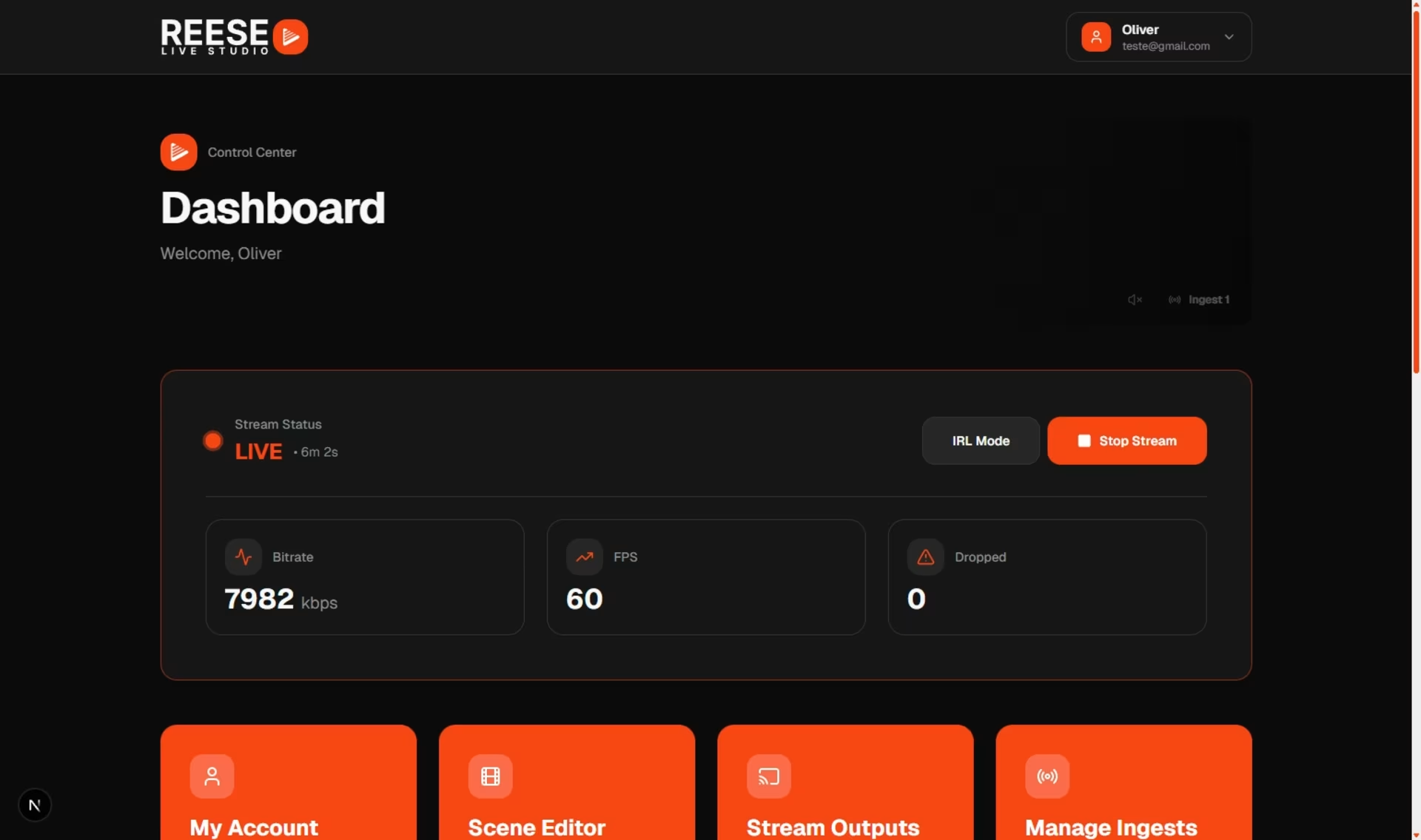
Send one live to REESE. Add Twitch, Kick, YouTube, or custom RTMP and SRT outputs — turn them on, turn them off, or stop one without killing the others.
- 1
Go live with one ingest
Connect your phone, encoder, or cloud OBS with a single RTMP or SRT feed. One upload — the cloud handles production.
- 2
Add outputs in the dashboard
Open your stream panel and add new destinations: Twitch, Kick, YouTube, Facebook, or custom RTMP and SRT. Paste keys once, reuse them later.
- 3
Start each platform when you want
Turn outputs on from the dashboard when you are ready — no digging through OBS plugin menus mid-stream.
- 4
Stop one platform without stopping the rest
Need to drop Twitch but keep Kick and YouTube live? Disable that output only. Your main stream and other destinations keep running.
Why multistream in the cloud
One live. Many platforms. Less friction.
Simulcast without stacking plugins on a local PC or sending duplicate uploads from the field.
One upload, many destinations
Your device sends one signal. REESE distributes it to every output you enable.
Control per platform
Start, stop, or restart a single destination from the dashboard — the others stay on air.
No local OBS required
Pair multistream with cloud OBS or mobile ingest. Production and outputs live in one place.
Twitch, Kick, YouTube, and more
Add the platforms you use today and custom RTMP or SRT when you need a private destination.
Questions about multistream
- Do I still need OBS on my PC to multistream?
- Not with REESE. You can send one ingest from your phone or encoder, use cloud OBS in the browser, and manage outputs from the dashboard.
- Can I stop Twitch without stopping Kick?
- Yes. Each output is independent. Disable one destination and the rest keep streaming.
- Does multistream use more upload bandwidth?
- No extra upload from your device. You send one stream to REESE; we distribute it to each platform you enable.
- Which platforms are supported?
- Twitch, Kick, YouTube, and custom RTMP and SRT destinations. Add as many outputs as your plan allows.
- How is this different from an OBS multistream plugin?
- Plugins run on your local PC and usually start every output together. REESE runs in the cloud — add outputs in the dashboard and control each one separately.
# Multistream
One stream. Every platform you need.
Add outputs in minutes, go live once, and manage each destination from your dashboard.
One upload · Per-platform control · Twitch, Kick, YouTube