
# IRL Streaming Server
Never drop your IRL stream when signal gets unstable
Phone signal dipping? Your live keeps going. Failover and BRB screens hold viewers while the connection comes back.
- Free trial
- Drop protection
- Auto BRB scenes
- SRT & RTMP ingest
Built for IRL
Stay live even with unstable signal
One central point to receive your stream
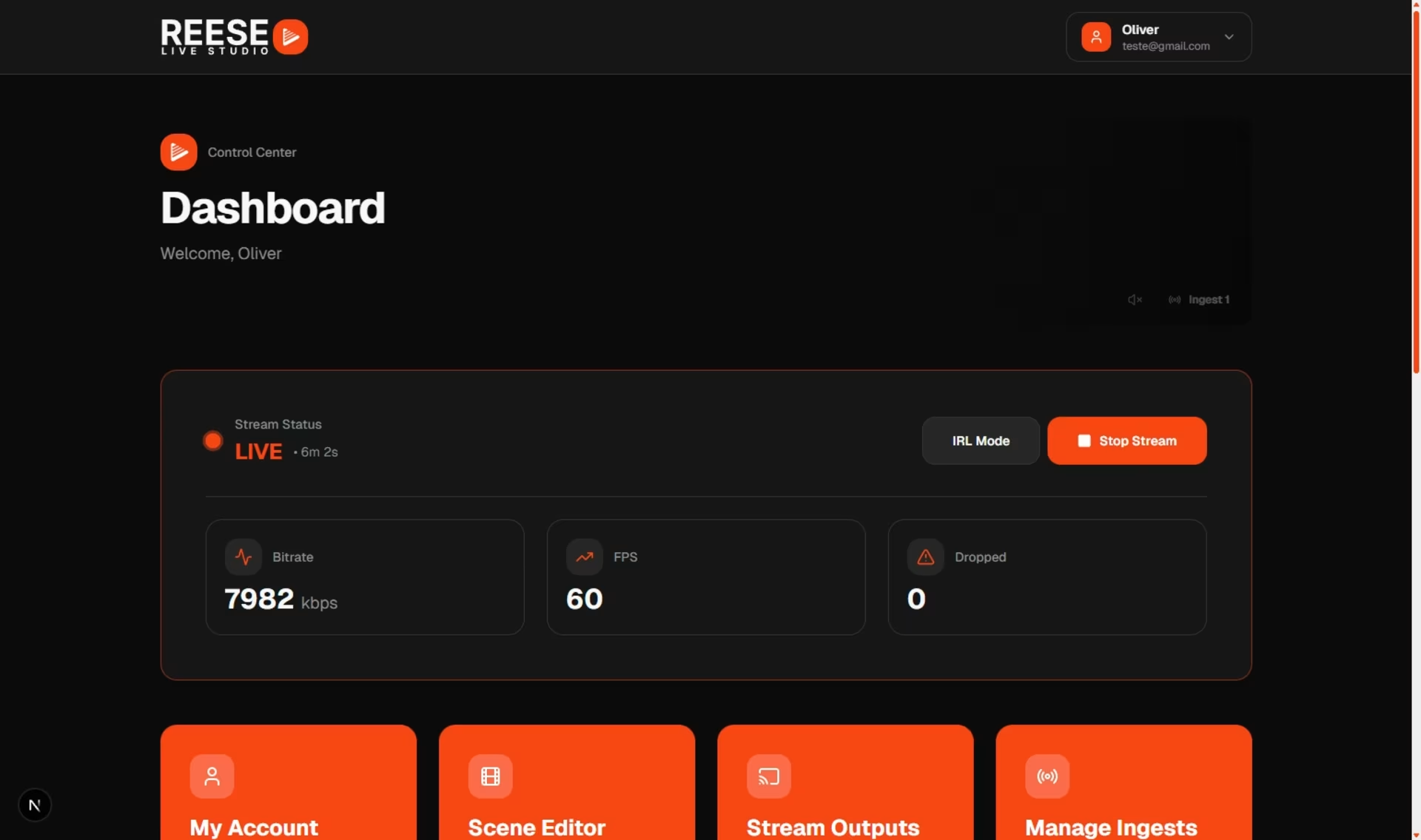
Apps like Larix, Prism Live, and Streamlabs, plus bonding backpacks, send the feed to a single Ingest point. From the dashboard you can monitor connection quality in real time. RTMP offers broad compatibility, while SRT improves stability on unreliable mobile networks.

Protection against connection drops
When signal is lost, the stream can automatically switch to a hold screen, avoiding frozen frames or a black screen. Buffer and latency tuning also help balance stability and live responsiveness.

Ready to test on your next IRL?
Start a free trial and see drop protection in action.
Cloud OBS: less load on the phone
The phone is only responsible for capture and upload. Scenes, overlays, alerts, and live organization all happen in the cloud, giving you more stability and less battery drain in the field.

Multistream to YouTube, Twitch, and Kick
A single signal sent to the cloud is enough to distribute the broadcast to several platforms at once, without multiple simultaneous uploads from the source device.

AI Clips
Automatic clips during the broadcast
During the live, AI finds the relevant moments and cuts clips automatically, already captioned for social media.
See automatic clips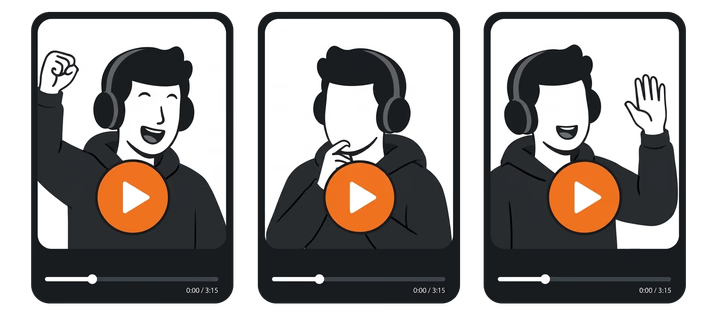
Why IRL streamers use REESE
Drop protection
More than an RTMP relay: automatic failover, hold screens, and cloud production for IRL streams.
Your live stays on air
Automatic BRB + failover. Your live keeps going even if your phone signal drops.
Automatic BRB screen
The stream switches to a hold screen while the signal reconnects. No manual scene change needed.
SRT and RTMP ingest
Connect Larix, Prism Live, Streamlabs, or a bonded backpack. Monitor connection quality in real time from the dashboard.
Every platform, one upload
Send one broadcast from your phone to Twitch, YouTube, Kick, and custom RTMP.
Questions about IRL servers
- How do I know drop protection is working?
- Kill your connection for a few seconds and watch for an automatic switch to the hold screen. Simple test, works every time.
- Do I need an IRL server or is plain RTMP enough?
- Plain RTMP just receives and forwards video. For IRL you want reconnection, hold screens, and stability controls — otherwise viewers see freezes and black screens.
- Is a bonded backpack still worth it?
- Usually yes. Bonding combines connections and keeps the upload steadier — especially paired with SRT on messy mobile networks.
- Can I control the live from my phone?
- Yes. The dashboard runs in your phone browser — scenes, overlays, alerts, monitoring — while the app keeps sending video.
- Can I stream with more than one camera?
- Yes. Each camera can be its own ingest in the cloud studio, so you can switch angles mid-stream.
- Do clips come out during the live?
- Yes. AI watches the broadcast and cuts clips with captions while you're still live.
# IRL Server
Start free trial
Drop protection, auto BRB, SRT/RTMP ingest, and multistream — built for mobile-signal streams.
Drop protection · SRT/RTMP · Multistream · Free trial