Cloud RTMP Server: How to Use It with OBS
Reese Team
Editor at Reese Live
In OBS, when you choose a custom service or paste a URL plus a key, you are using RTMP. It's just the video format the program sends to the server receiving the live stream.
Putting this server in the cloud means: the video leaves your house once and the system delivers it where you need it, reducing the chance of your internet or PC reaching their limits.
Step 1: In One Sentence: What This Server Does
It receives the image OBS sends and forwards it to the platforms you configured — Twitch, YouTube, others — without you needing to duplicate everything manually on your machine.
You keep using your scenes and alerts as you do today; you only change where the URL and key point to.
Step 2: URL and Stream Key are Like Username and Password
The stream key is secret — anyone who has it can send video to your channel until you change it. Don't send it in public screenshots or leave it open on Discord.
If you share a PC or backup your OBS scenes, check if the key wasn't included before distributing the file.
Step 3: Why It Helps with Stability
Only one stream leaves your house, instead of several at the same time. This usually reduces stuttering and drops during the live stream.
On a bad network, some users prefer alternative protocols on local hardware; in the common OBS + RTMP to cloud server flow, the main gain is simplicity and a single path to the distributor.
Step 4: Before Going Live for Real
Test for five minutes with the microphone and camera. See if the dashboard shows a good connection and if each destination you turned on is receiving it.
If something fails, write down the time and what you changed — this speeds up support and the next attempt.
Frequently Asked Questions
Is RTMP outdated?
It's what most live streaming programs still use to connect to internet services. It works, is familiar in OBS, and pairs well with modern infrastructure behind the scenes.
Does the audience see RTMP?
No. The viewer opens the normal site — Twitch, YouTube, and so on. RTMP is just the path between your program and the server.
Can I change the key if it leaks?
Yes. Generate another key in the dashboard, update it in OBS, and the old one becomes invalid. Do this whenever you suspect someone copied it.
Read next
View all posts
OBS Studio: The Complete Guide to the Best Free Live Streaming Software (2026)
This guide covers what OBS actually does, why it's one of the best free encoders for live streaming, what hardware it needs, what devices and operating systems it supports, and how to configure it correctly for your first stream.
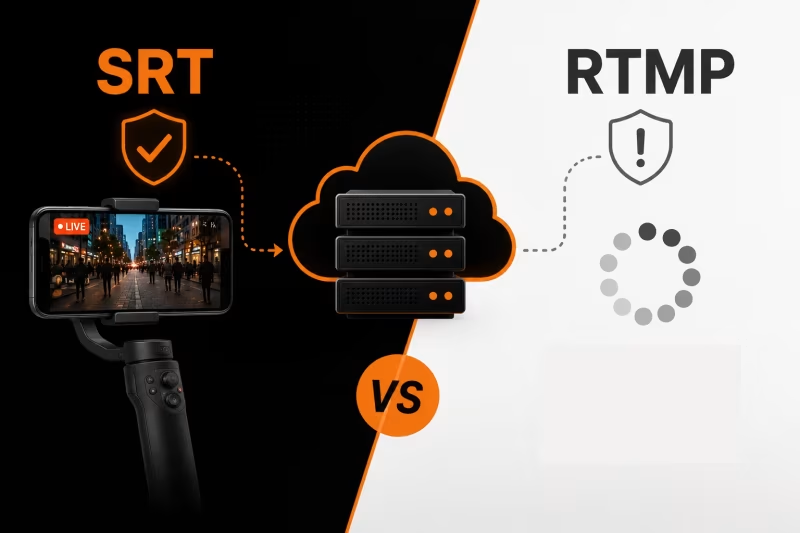
SRT vs RTMP: Which Protocol Should You Use for IRL Streaming?
RTMP or SRT—which protocol is best for IRL streaming? Learn the key differences, why SRT performs better on mobile networks, when RTMP still makes sense, and how to choose the right option for a more stable stream with fewer disconnects.
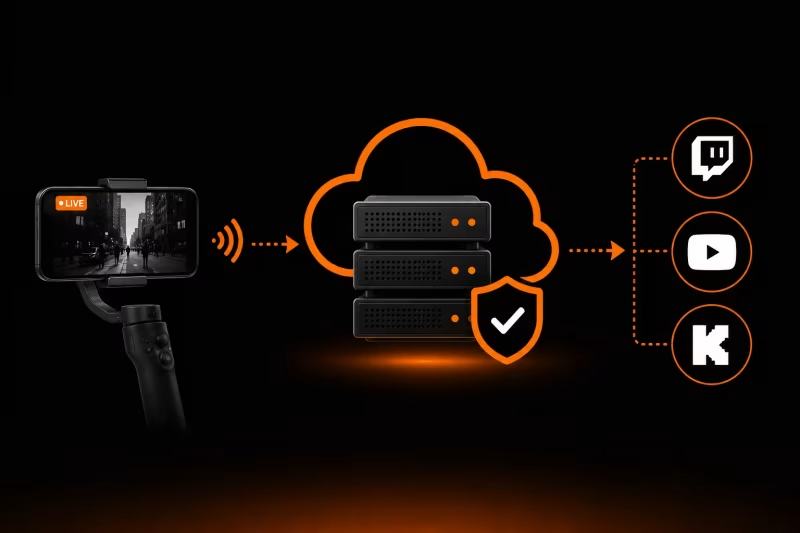
What Is an Ingest Server? The Key to Stable IRL Streaming
Learn how an ingest server keeps your IRL stream stable, protects against connection drops, and powers advanced features like Cloud OBS, multistreaming, and remote production.