How to Stream on Twitch and YouTube at the Same Time
Reese Team
Editor at Reese Live
Many people use Twitch to chat live and YouTube for those who discover you later via search. Doing both at the same time merges the two worlds — as long as you organize your chat, titles, and upload bandwidth.
The secret is usually one output from OBS and handling the rest in the dashboard, instead of duplicating everything on your computer.
Step 1: Why It's Worth Doing Both Together
Someone who only watches you on Twitch might never find your YouTube channel, and vice versa. In the same live stream, you reach both consumption habits without recording the show twice.
After the live stream, the YouTube VOD remains useful for clips and search; on Twitch, the history of the community that watched live remains.
Step 2: Two Chats, Two Moderations
Each site has its own rules and tools. Coordinate with mods on who watches Twitch and who watches YouTube, or review both yourself the first few times.
Beautiful overlays don't replace clear rules for swearing or spam — write down shortcuts and warnings that work in both places.
Step 3: A Strong Stream from OBS
Set a stable quality that your internet can handle well. It's better to maintain a comfortable bitrate on both platforms than the theoretical maximum that drops in the middle of an important clip.
In Reese Live Studio, you connect Twitch and YouTube as destinations and send only one signal from your program — the dashboard makes the copy for each site.
Step 4: Rules and Music
Each service has its own terms; checking monetization and music rights is valid for both even with a single ingest.
When in doubt, use tracks and assets that each platform indicates as safe or that you clearly have a license for.
Frequently Asked Questions
Can multistreaming conflict with a partner program?
It depends on the current contract of each platform and your level. Read the rules of the program you are tied to; for most creators, streaming on both at the same time is common.
Does a Twitch Raid send the audience to YouTube?
A Raid is a feature inside Twitch. To get the audience to go to YouTube, mention it during the live stream, and put links in the chat and in your Twitch panels.
Do I need the same quality on both?
It doesn't need to be identical bit by bit — the important thing is to stay within what each site recommends and not max out your upload bandwidth.
Read next
View all posts
OBS Studio: The Complete Guide to the Best Free Live Streaming Software (2026)
This guide covers what OBS actually does, why it's one of the best free encoders for live streaming, what hardware it needs, what devices and operating systems it supports, and how to configure it correctly for your first stream.
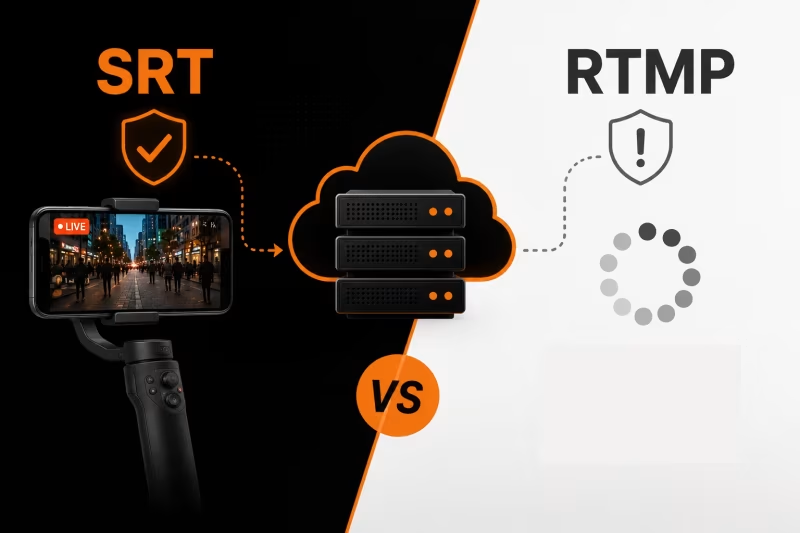
SRT vs RTMP: Which Protocol Should You Use for IRL Streaming?
RTMP or SRT—which protocol is best for IRL streaming? Learn the key differences, why SRT performs better on mobile networks, when RTMP still makes sense, and how to choose the right option for a more stable stream with fewer disconnects.
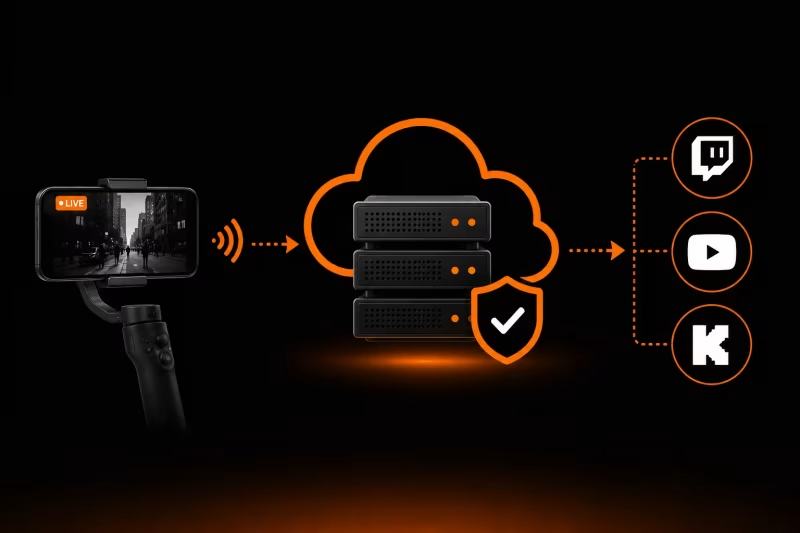
What Is an Ingest Server? The Key to Stable IRL Streaming
Learn how an ingest server keeps your IRL stream stable, protects against connection drops, and powers advanced features like Cloud OBS, multistreaming, and remote production.