How to Stream on Twitch: The Ultimate Simple Guide
Reese Team
Editor at Reese Live
If you’ve ever wondered how to stream on Twitch or how to live stream on Twitch, you’re in the right place. Twitch is the largest streaming platform in the world, and getting started can seem intimidating—but we’ll show you how to do it quickly and simply.
Step 1: Create Your Twitch Account
The first step is to go to the Twitch website and click “Sign Up.” Fill in your details, confirm your email, and set up your basic profile with a profile picture and a short bio.
Step 2: Find Your Stream Key
To go live, you’ll need your unique stream key. Navigate to the Creator Dashboard → Settings → Stream. There you’ll find your “Primary Stream Key.”
Security warning: never share your stream key with anyone.
Step 3: Choosing Your Streaming Software
You’ll need software to capture your screen and camera. We recommend using Reese Live Studio as your main streaming hub to add overlays and have full control of your broadcast. To ensure a stable stream from your phone or PC, you can send your signal to our platform using apps like PRISM Live, IRL Pro, Larix Broadcaster, or the classic OBS Studio.
Step 4: Set Up and Go Live (how to go live on Twitch)
Open your streaming software, go to Stream settings, select Twitch, and paste the key you copied in Step 2. Adjust your basic audio and video settings, then click “Start Streaming” (go live on Twitch).
Read next
View all posts
OBS Studio: The Complete Guide to the Best Free Live Streaming Software (2026)
This guide covers what OBS actually does, why it's one of the best free encoders for live streaming, what hardware it needs, what devices and operating systems it supports, and how to configure it correctly for your first stream.
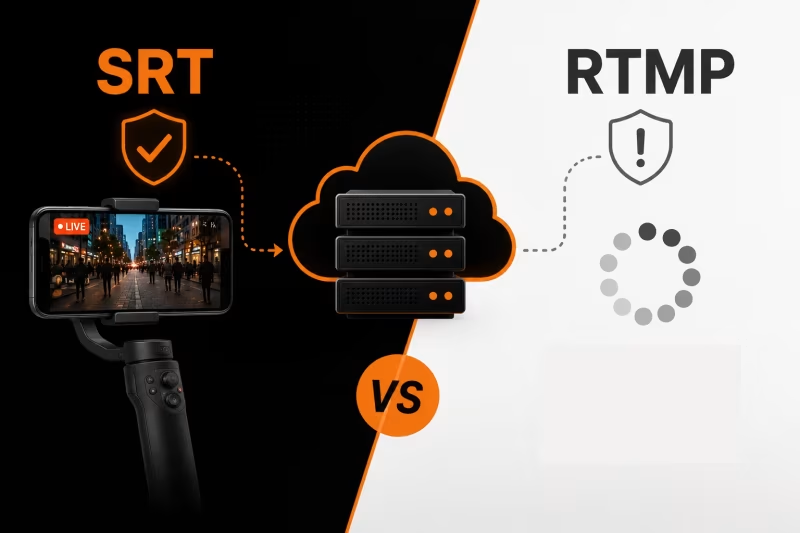
SRT vs RTMP: Which Protocol Should You Use for IRL Streaming?
RTMP or SRT—which protocol is best for IRL streaming? Learn the key differences, why SRT performs better on mobile networks, when RTMP still makes sense, and how to choose the right option for a more stable stream with fewer disconnects.
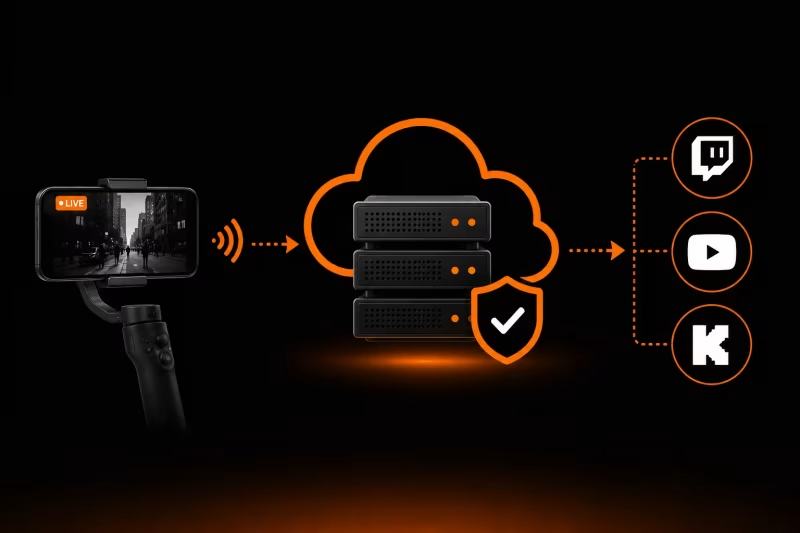
What Is an Ingest Server? The Key to Stable IRL Streaming
Learn how an ingest server keeps your IRL stream stable, protects against connection drops, and powers advanced features like Cloud OBS, multistreaming, and remote production.